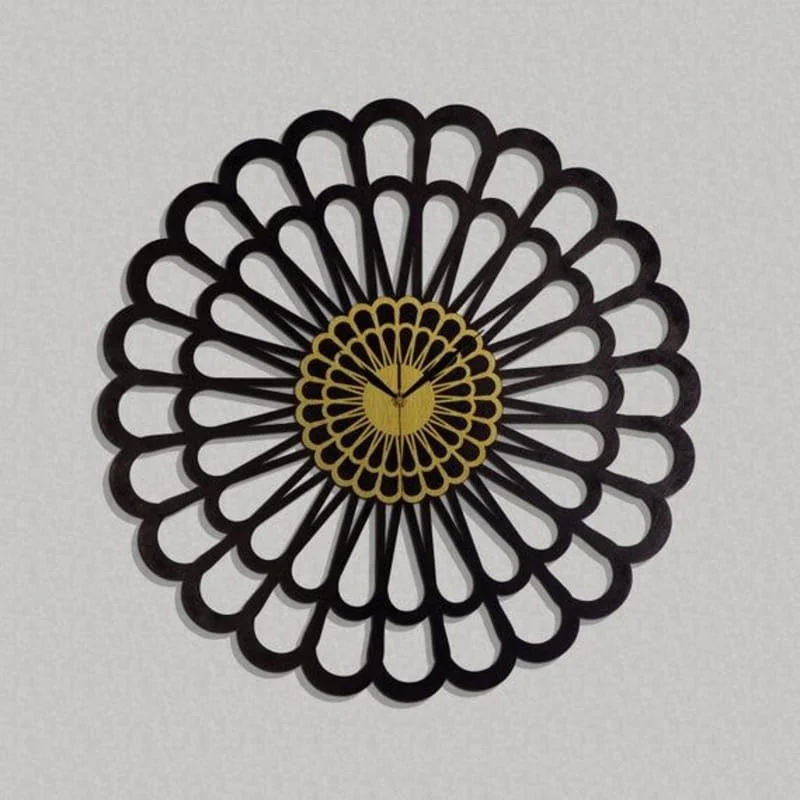
This Design Elements Bundle design is optimized for CNC laser cutting and comes in RAR vector format. Cut it on wood, MDF, or acrylic using LightBurn, AutoCAD, or CorelDRAW for precise results.
⬇ Download Free CNC File
✔ Free · ✔ Instant · ✔ Personal & Commercial Use
About This Design
This comprehensive design elements bundle features an extensive collection of over 200 versatile symbols and decorative shapes perfect for CNC laser cutting projects. The design sheet includes multiple categories of elements: mechanical gears and cogs in various sizes, elegant wing designs ranging from angel wings to bat wings, lightning bolts and arrow symbols, decorative crosses and religious symbols, floral ornaments, tribal patterns, geometric shapes, and silhouettes of flying creatures. Each element is precisely vectorized with clean lines and optimal spacing for laser cutting. The design maintains consistent scaling throughout, with elements sized appropriately for easy integration into various projects. The black silhouette style ensures crisp cutting results across all materials.
Key Features
This design bundle stands out for its incredible variety and professional quality vectorization. Every element features clean, continuous paths without overlapping lines, ensuring smooth laser cutting operations. The collection includes scalable symbols ranging from intricate mechanical gears to flowing organic wing shapes. Special attention has been paid to maintaining proper kerf compensation spacing and eliminating potential cutting issues. The design elements are organized in a logical grid layout, making it easy to select and extract individual components. Each symbol maintains its visual integrity when scaled up or down, providing maximum flexibility for various project sizes and applications.
Compatible Materials
These design elements work exceptionally well across a wide range of materials commonly used in laser cutting and CNC routing. Wood materials including pine, oak, birch, and exotic hardwoods produce beautiful results, with recommended thickness ranging from 3mm to 12mm. MDF and plywood offer consistent cutting quality and are ideal for painted or stained finishes. Acrylic sheets from 2mm to 6mm thickness create stunning translucent effects, particularly effective for illuminated projects. Leather and fabric materials work perfectly for fashion accessories and decorative applications. Thin metals like aluminum, brass, and stainless steel can be cut using higher power settings, though testing is recommended for optimal results.
Use Cases & Applications
This versatile design elements collection serves countless creative and commercial applications. Home decorators can use individual elements to create custom wall art, room dividers, and decorative panels. The wing designs are perfect for creating angel decorations, gothic artwork, or fantasy-themed projects. Mechanical elements like gears work excellently for steampunk decor, industrial design themes, and functional art pieces. Small business owners can utilize these elements for custom signage, product branding, and merchandise creation. Event planners will find the symbols useful for themed decorations, wedding accessories, and party props. Jewelry makers can scale down smaller elements to create unique pendants, earrings, and bracelets. Educational institutions can use the geometric shapes for teaching tools and interactive displays. The cross and religious symbols are ideal for church decorations and spiritual artwork.
File Formats & Software
The design elements bundle is provided in a convenient RAR archive containing high-quality DXF, SVG, and CDR vector files. These universal formats ensure compatibility with virtually all CNC and laser cutting software platforms. LightBurn users can directly import the files and immediately begin cutting operations. AutoCAD and other CAD software handle the DXF format natively, allowing for easy modification and scaling. CorelDRAW users benefit from the native CDR format for seamless integration into existing workflows. Inkscape and other open-source vector editors work perfectly with the SVG format. The files maintain their vector properties when imported, ensuring crisp lines at any scale and allowing for easy customization of colors, sizes, and arrangements.
Free Download & License
Download this complete design elements bundle absolutely free from hdidan.io without any registration requirements or hidden costs. Our platform provides instant access to high-quality CNC files, supporting both hobbyists and professional makers worldwide. The download includes full commercial usage rights, allowing you to create and sell products using these designs without royalty payments or attribution requirements. Whether you’re crafting items for personal enjoyment or building a business around laser-cut products, these files provide the freedom to innovate and profit. Our commitment to the maker community means providing professional-grade designs that would typically cost hundreds of dollars completely free. Simply click download and start creating amazing projects immediately.
Discover the ultimate collection of free CNC files and laser cut designs with this comprehensive design elements bundle available for instant download at hdidan.io. This professional-grade DXF SVG CDR package contains over 200 meticulously crafted symbols perfect for CNC router files and laser cutting projects. From mechanical gears to decorative wings, these versatile design elements serve makers, small businesses, and hobbyists seeking high-quality vector files for creative projects across multiple materials and applications.
🖼 Preview
Download — Click the button above. Instant free access.
Open — Import into LightBurn, AutoCAD, CorelDRAW, or Inkscape.
Scale — Resize to match your material dimensions.
Cut — Set machine parameters and start cutting on wood, MDF, acrylic, or metal.
More Other Designs
 RAR FREE
 RAR FREE
 ZIP FREE
 DXF FREE
 RAR FREE
 RAR FREE
 ZIP FREE
 RAR FREE